Your voice is your identity.
Voice Keeper help you preserve it.
With just 5 short sentences, creating a personalized voice has never been easier.
Works with almost any AAC solution, on Windows and modern iPads

Use your voice, or invite a sibling or loved one to donate theirs, even remotely!
Responsible AI
Your voice and data deserve the highest protection. Here’s The Voice Keeper’s commitment:
Parents only
Only adults can register. The Voice Keeper doesn’t collect real child data, just a nickname and age group.
No storage
Recordings are deleted after 72 hours. No backups. No reuse. Ever.

No funny business
The Voice Keeper don’t track, sell, or use your data for AI training, marketing, or anything
else.
Supported Devices & Apps
Windows
Supported Apps
Minimum Requirements
- Intel Core i5 (6th generation or newer)
- 8 GB RAM
- Windows 10 or later
iOS
Supported Apps
- TouchChat
- LAMP
- Predictable
- Grid for iPad
- Proloquo2Go
- Proloquo
- Any app supporting Personal Voices
Minimum Requirements
- iPhone 13 or later
- iPad Air (5th gen)
- iPad Pro 11-inch (3rd gen) or later
- iPad Pro 12.9-inch (5th gen) or later
How to create a Voice Keeper voice.
For the best sound quality, create your voice on your phone.
The Voice Keeper can build your synthetic voice from just a short recording of speech. All you need to get started is smartphone and a quiet room.
Record your own or child’s voice
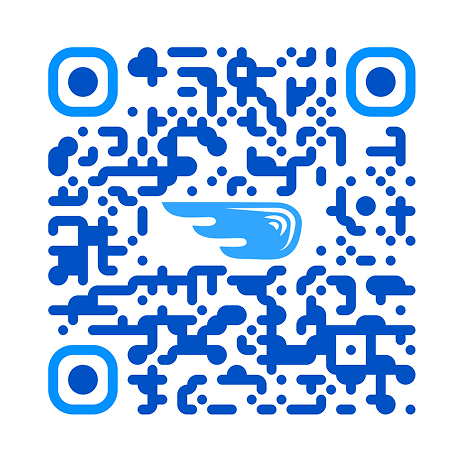
Just scan the QR code the best suits below to get started.
Adult
Child
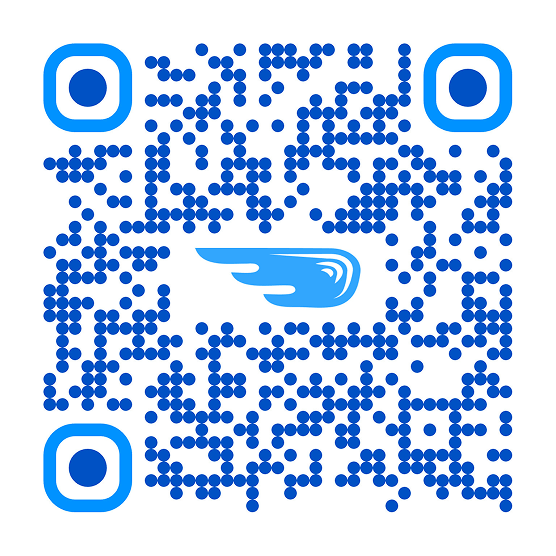
Open your camera app and point it at the QR code.
How it works – Your voice or Client’s voice
- Use the corresponding QR code above to get started.
- Listen to samples of your synthetic voice.
- Once happy with your synthetic voice, reach out to us to receive a quote to cover payment, once paid we’ll provide access to your voice.
- Please email us once you’re happy with your voice – atinfo@dtsl.co.nz
- Download the voice.
How it works – Voice donation
- Navigate to the following link, and follow the instructions.
- Listen to samples of the client’s synthetic voice.
- Once happy with the synthetic voice, reach out to us to receive a quote for when applying for communication application funding, once funding has been approved we’ll provide access to the client’s voice.
- Please email us once you’re happy with your voice – atinfo@dtsl.co.nz
- Download the voice.
How it works – Upload Recordings (Adults only)
- Navigate to the following link, and upload recordings, voicemails, or videos (recommended 5-10 seconds in length).
- Listen to samples of the client’s synthetic voice.
- Once happy with the synthetic voice, reach out to us to receive a quote for when applying for communication application funding, once funding has been approved we’ll provide access to the client’s voice.
- Please email us once you’re happy with your voice – atinfo@dtsl.co.nz
- Download the voice.


