Help every student understand, learn and express themselves with confidence

Read&Write is a literacy support tool that offers help with everyday tasks like reading text out loud, understanding unfamiliar words, researching assignments and proofing written work. With tools that enrich both teaching and learning and help every student realise their full potential.
Read&Write makes the web, documents and files more accessible. It’s a friendly, intuitive toolbar that assists students at all levels with everyday tasks like reading text out loud, understanding unfamiliar words, researching assignments and proofing written work.
Used daily by millions of students, Read&Write is the world’s best-selling family of literacy software for any platform or device.
Give students the tools they need to succeed
Provide students with access to a suite of twenty different reading support tools, including text-to-speech – where and when they need it. Giving them choice in how they access and engage with content and helping to improve their reading and comprehension skills.
Create more independent learners
Help students to study, revise, proofread and increase their understanding. Useful tools in Read&Write such as highlighters, voicenotes, vocab tools, audiomaker and more help students to study smarter, more independently and to a high standard.

Support students with additional needs
Read&Write is particularly useful for students with learning difficulties, those students who have English as an Additional Languages or those with a mild visual impairment. Specific accessibility tools alongside the reading and writing tools, help to create a level playing field for all.
Features
Reading and Writing
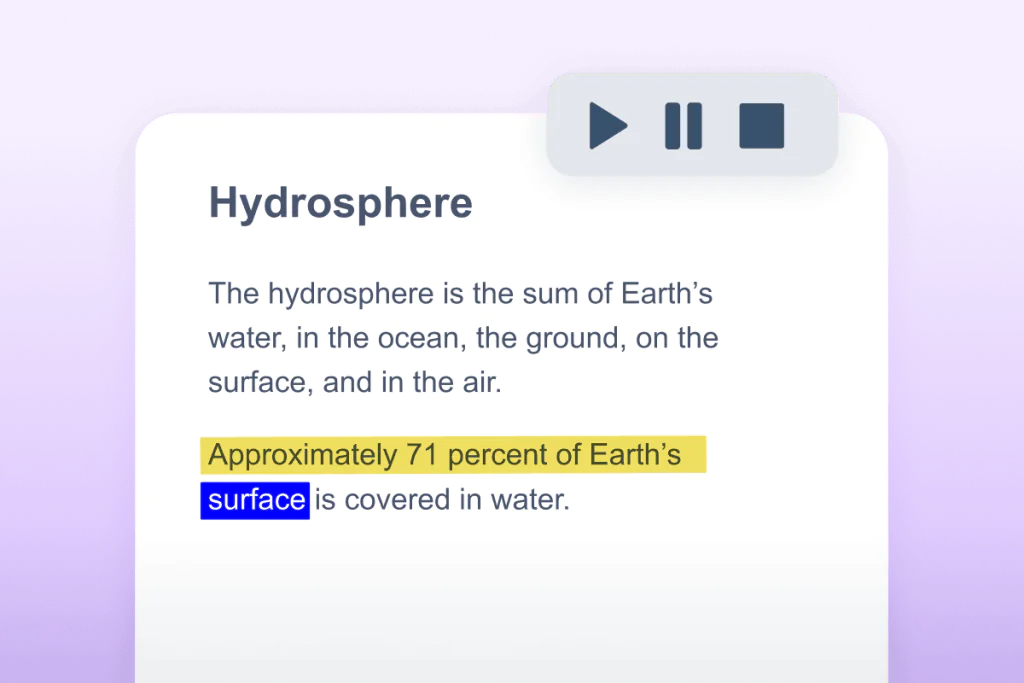
Text-to-speech
Reads text aloud so students can listen to individual words or full documents. With dual-color highlighting for easy tracking, and AI, highly-realistic voices.

Talk&Type
Students can turn their speech into text as an alternative to typing or writing.
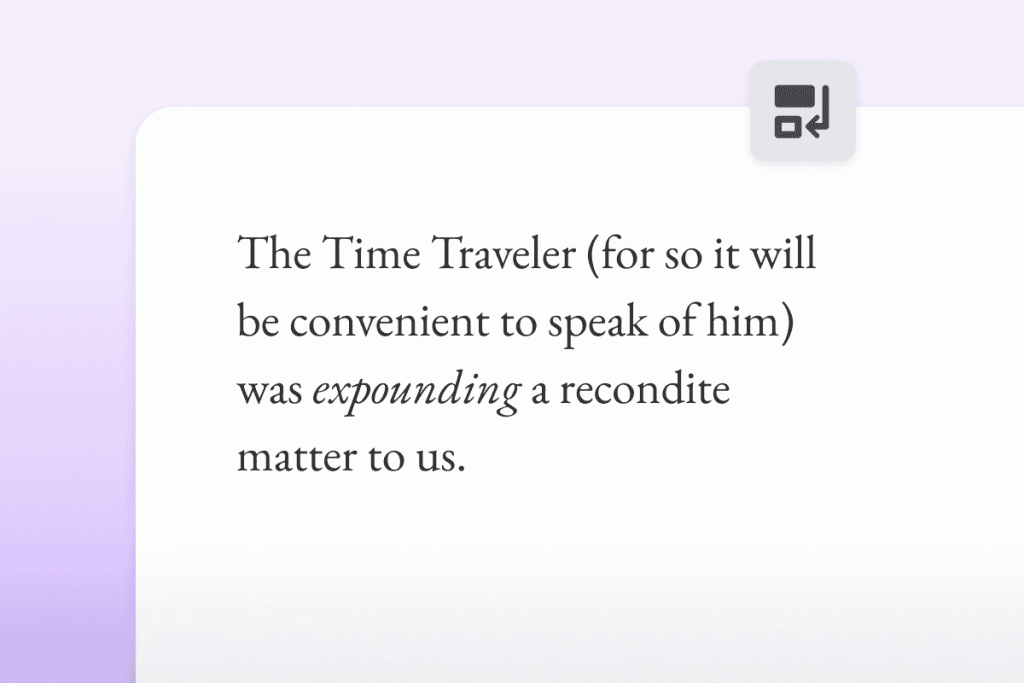
Rewordify
Simplifies complex text without changing its meaning, improving accessibility and understanding. (Only available in Read&Write for Google Chrome & Microsoft Edge).
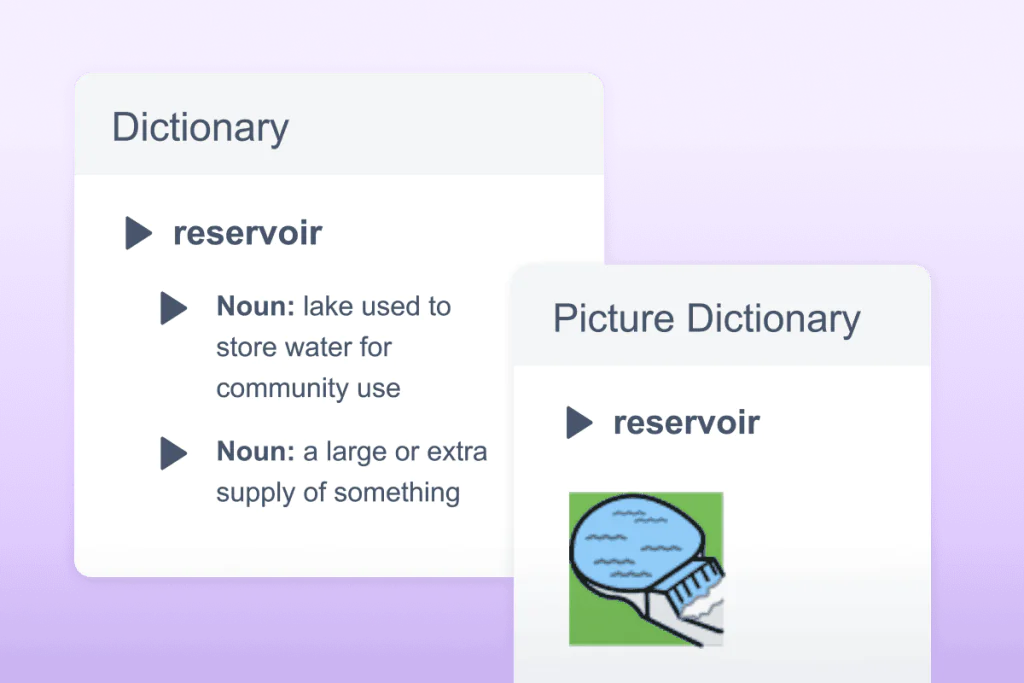
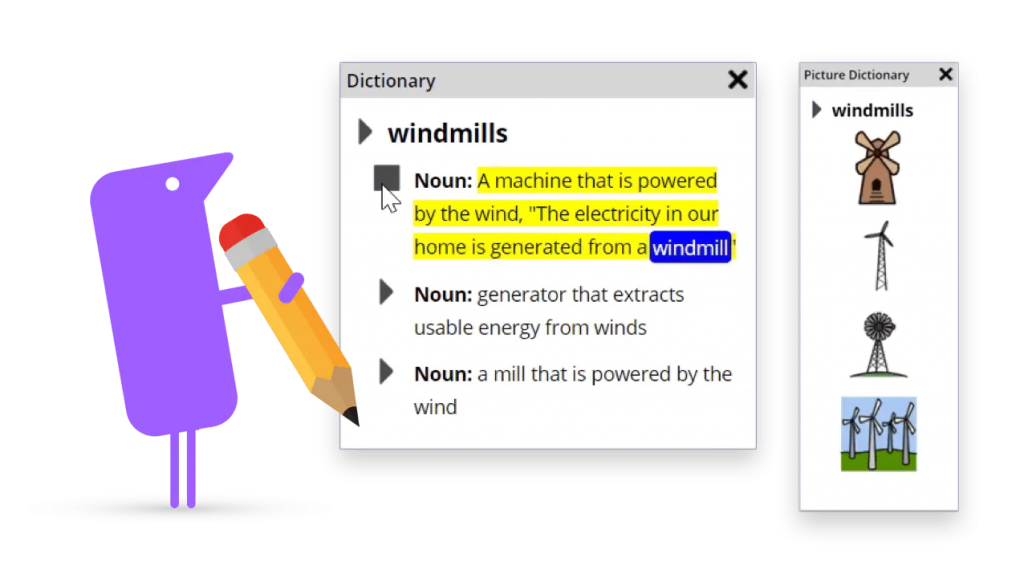
Text & Picture Dictionaries
Provides written definitions and visual images of selected words to help comprehension and understanding.
Organization and Study
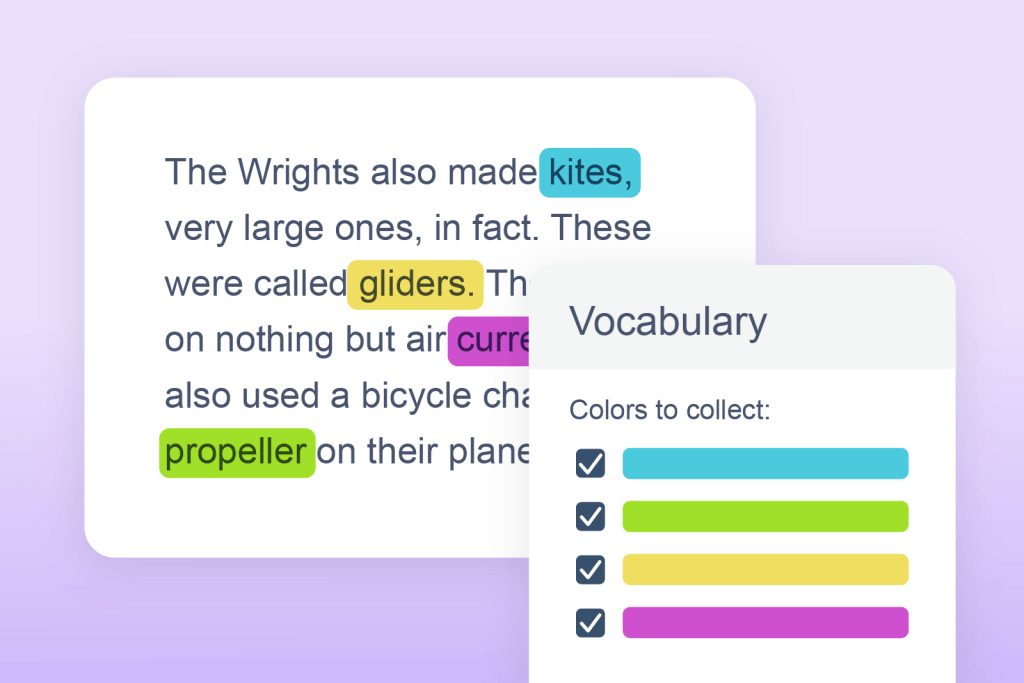
Vocabulary List
Builds a list of words in a new document for selected words to include definitions, images and a space for notes.
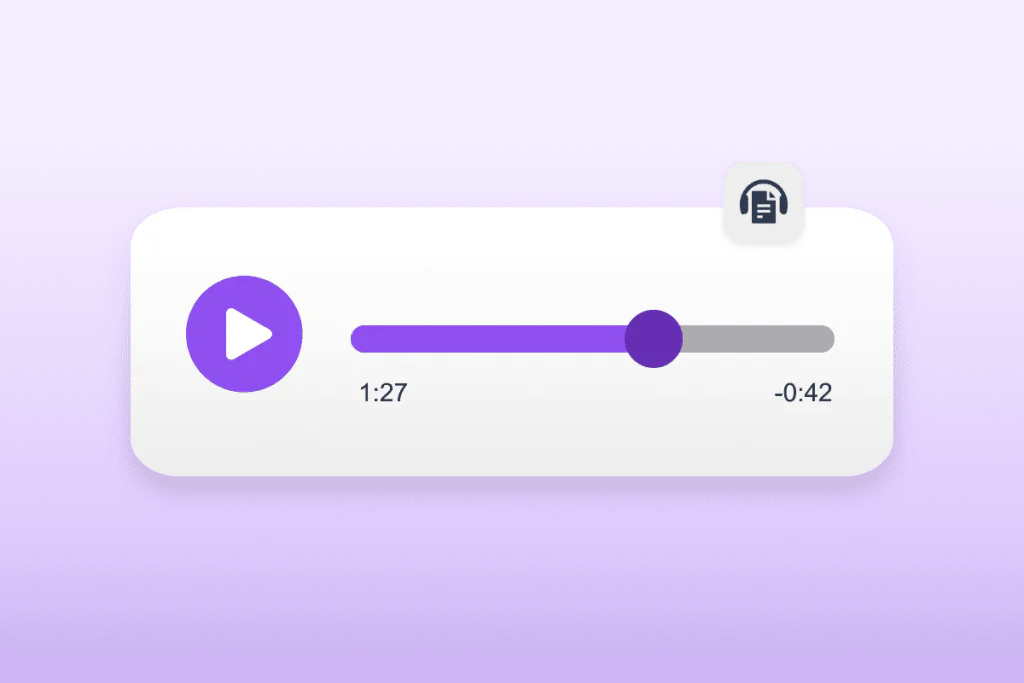
Audio Maker
Converts written text into audio files to download for flexible, on-the-go learning. Perfect for auditory learners or those who prefer to listen to text.
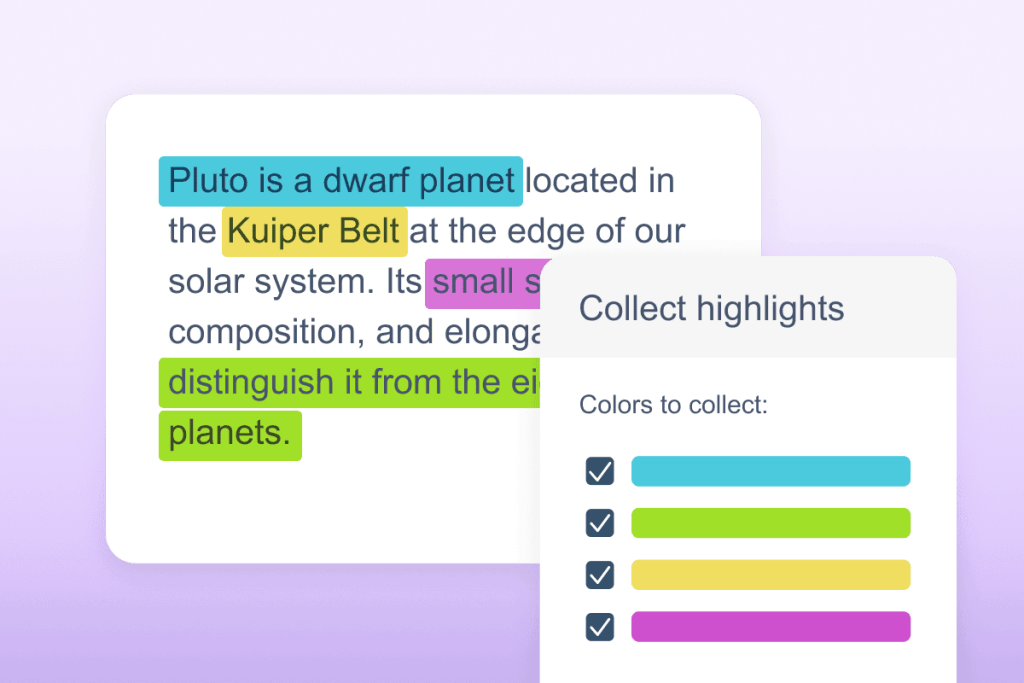
Collect Highlights
Highlight and collect key pieces of text. An easy way to gather and revise important information.
Grammar and Translation
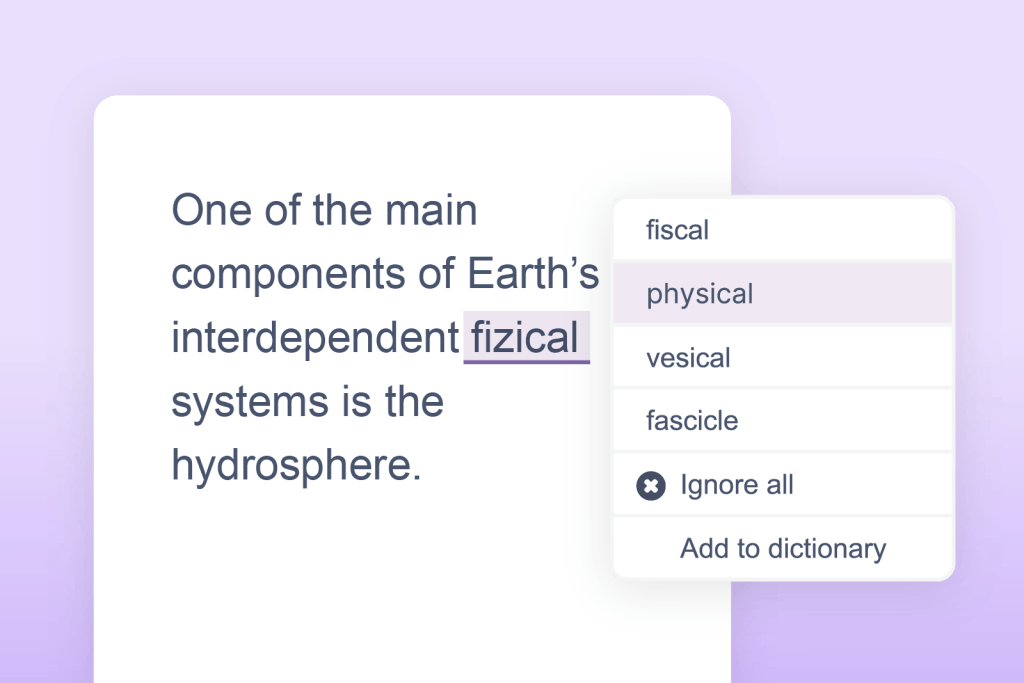
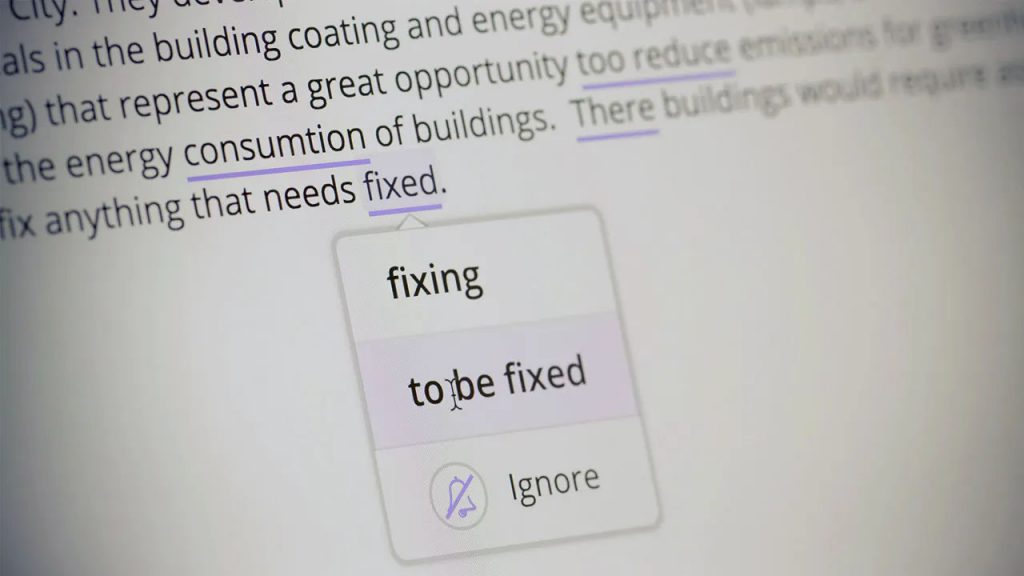
Check It
Highlights and corrects grammar, spelling (including phonetic), for accurate and confident writing.
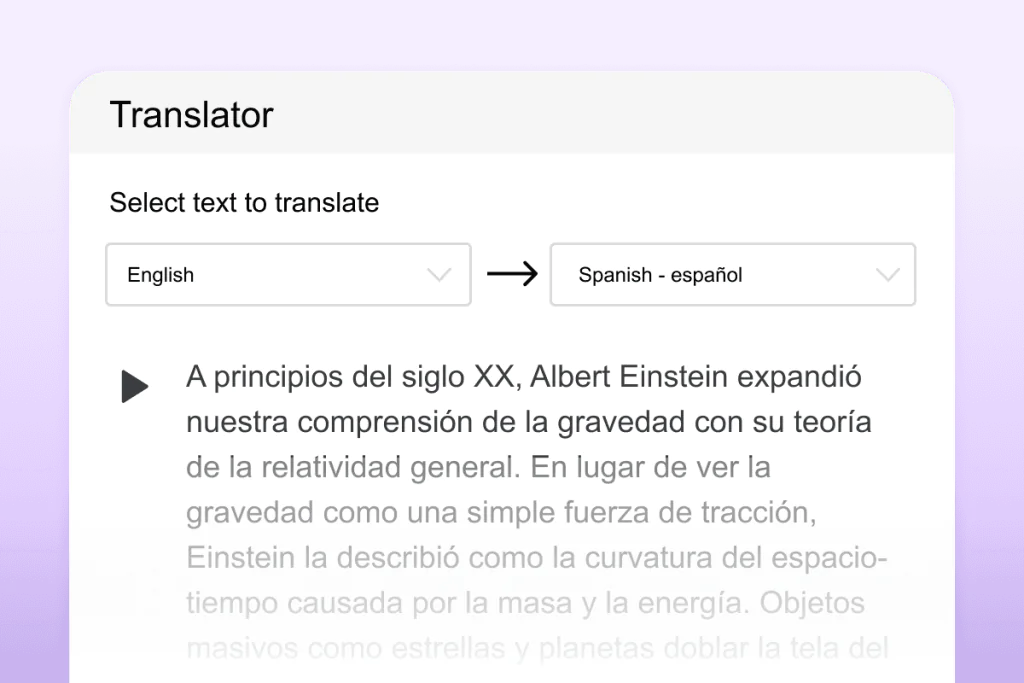
Page & Paragraph Translation
Students can quickly translate larger blocks of text for easier reading and language understanding.
Additional Features
Co:Writer Prediction
A simple-to-use word prediction engine specifically designed to free up ideas so they more naturally flow into writing.
Screenshot Reader
Allows you to read many types of inaccessible text such as images and inaccessible PDFs.
Screen Masking
Students can focus on a specific section of the screen with this customizable screen tint, boosting focus and productivity.
Product Integrations
Read&Write works wherever you do, on multiple platforms. Including Chromebooks, Windows computers and laptops, Macs, iOS devices, and Android tablets, ensuring uninterrupted learning. It is compatible with learning management systems like Canvas and Schoology.

Free 30-Day Trial
Free access to all Read&Write features for 30 days – ideal for teachers or parents who want to try Read&Write.
Google Chrome
Chrome Web Store (Extension)
Windows
Texthelp Read&Write (.exe)
iPad

Mac
Texthelp Read&Write (.dmg)
Android

Edge
Microsoft Edge Add-ons